I use sp_WhoIsActive on almost every SQL Server I work with. Manual installation works fine, but dbatools makes it much easier. If you need to install dbatools first, I have a quick guide here: Installing dbatools.
Once you have dbatools, installing sp_WhoIsActive is simple:
$instance = Connect-DbaInstance -SqlInstance "localhost\MSSQLSERVER" -TrustServerCertificate
Install-DbaWhoIsActive -SqlInstance $instance -Database master -Verbose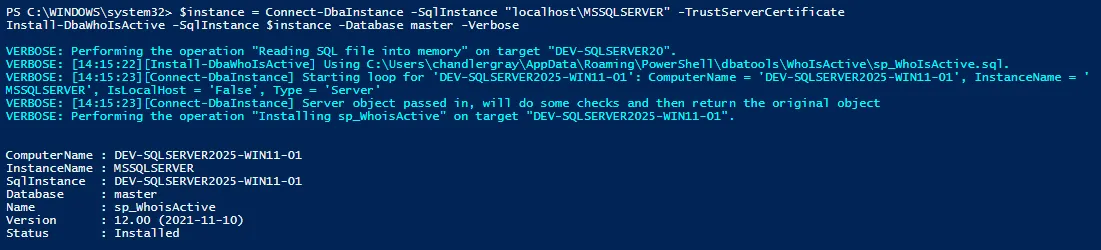
For multiple servers, you can loop through them:
$servers = @(
  "prod1\SQL"
  ,"prod2\SQL"
  ,"dev\SQL"
)

foreach ($s in $servers) {
  $i = Connect-DbaInstance -SqlInstance $s -TrustServerCertificate
  Install-DbaWhoIsActive -SqlInstance $i -Database master -Verbose
}
This is a simple way to save time and keep sp_WhoIsActive consistent across your servers. It’s straightforward and doesn’t add extra steps to your workflow.